
Google has just pushed out Android 17 Beta 2 named “Cinnamon Bun”, only 13 days after Beta 1. This rapid update focuses heavily on privacy, smarter multitasking, and developer-friendly APIs while fixing dozens of bugs.
If you’re searching for the Android 17 release date, new features, or which phones will get it, you’re in the right place.
Table of Contents
Top 5 Best Android 17 New Features in Beta 2
While Beta 1 focused on underlying stability, Beta 2 introduces the “flashy” user-facing changes we’ve been waiting for.
1. The “Bubbles” Revolution
Forget messaging-only bubbles. Android 17 now allows you to bubble any app. By long-pressing an app icon on the launcher, you can turn it into a floating window.
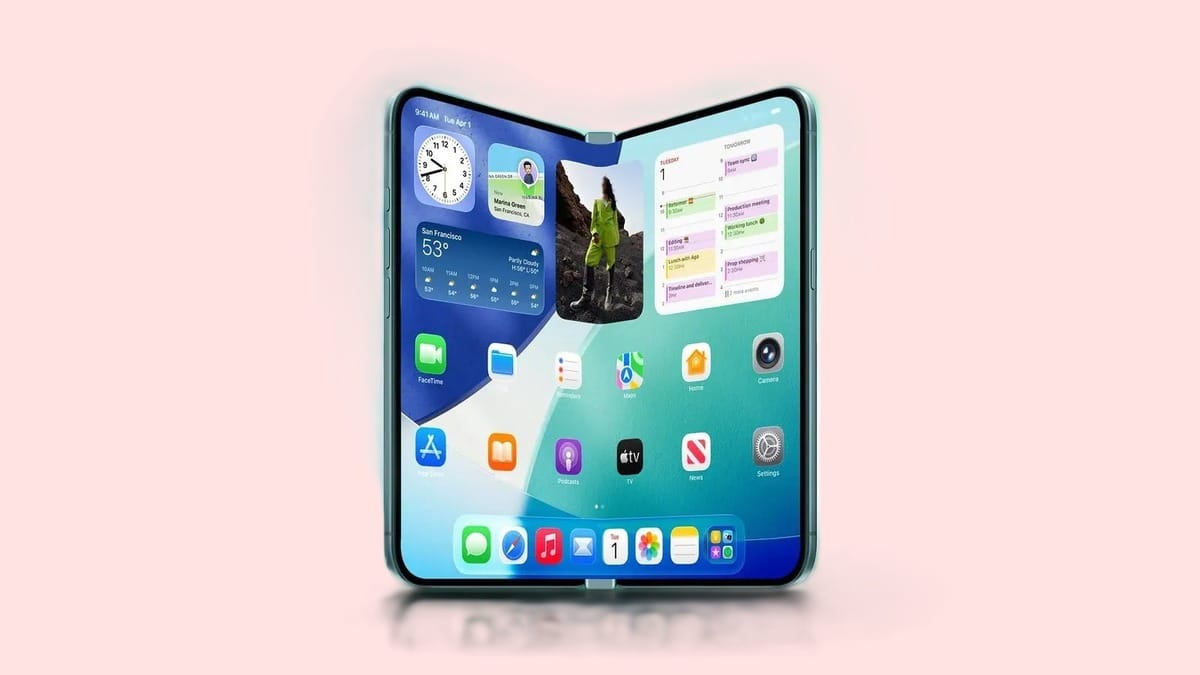
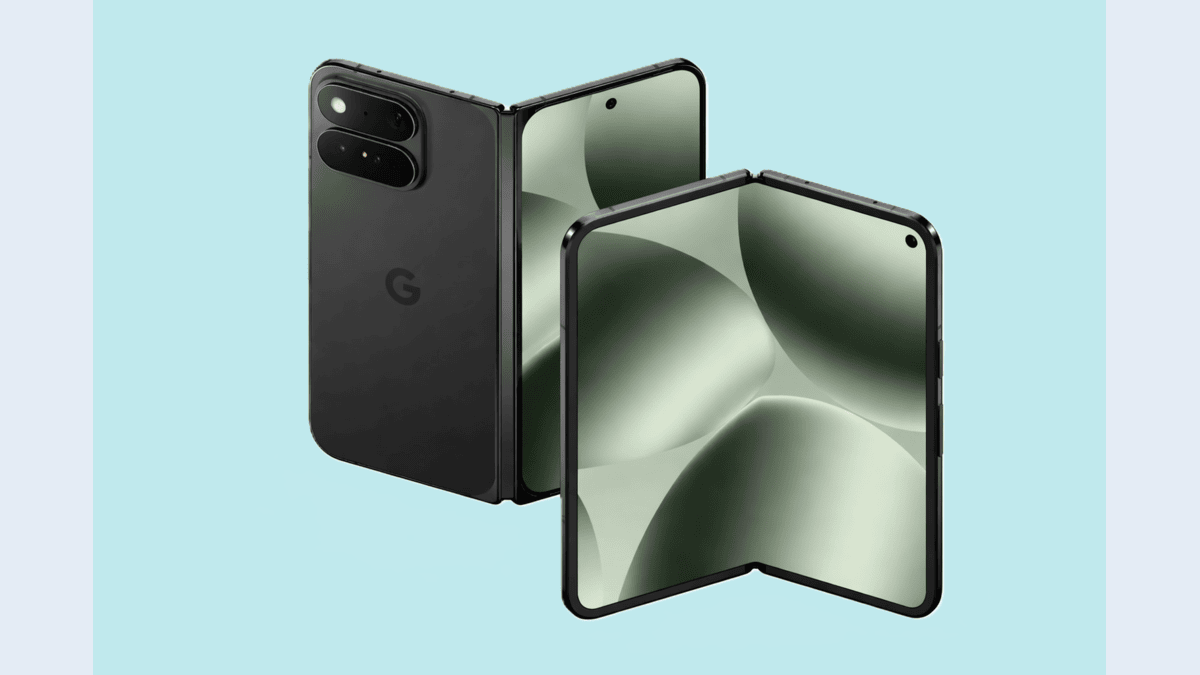
On large-screen devices like the Pixel Fold 2 or Pixel Tablet, a new “bubble bar” lives in the taskbar, allowing for desktop-class multitasking.
2. Cross-Device App Handoff
The new Handoff API allows you to start a task on your phone and resume it exactly where you left off on a nearby Android tablet or Chromebook
3. Privacy-First Contacts Picker
Apps no longer need “All or Nothing” access to your contacts. The new system-level contacts picker allows you to grant an app temporary, one-time access to specific contact fields, keeping the rest of your address book private.
4. The EyeDropper API
The EyeDropper API lets apps capture colors from any pixel on your screen securely. Crucially, it does this without requiring full screen-capture permissions, closing a significant privacy loophole.
5. Advanced Screen Recording
The screen recorder has been revamped with a new floating pill-shaped menu. It now includes a “Doodle” button, allowing you to draw and annotate on your screen in real-time while recording.
6. SMS OTP Protection
Android now delays access to one-time passwords by 3 hours for non-default SMS apps (with exemptions for assistants and verified apps). This blocks scam apps from hijacking verification codes.
Notable UI & System Improvements
1. Privacy indicators (location/camera/mic) redesigned as clean circles.
2. New Satellite Quick Settings tile.
3. Pixel Launcher search bar reverted to the older, cleaner design.
4. Advanced UWB ranging (FiRA 4.0) for better indoor navigation.
Also Read WhatsApp New Update: WhatsApp Required SIM Verification From March 1
Performance & Bug Fixes
Google fixed over 15 critical issues, including:
– App restarts and UI flickering
– System crashes and reboots
– German-language Recent Apps layout bugs
– Ringtone preview issues
– Clock screensaver formatting
Android 17 Release Date: When Will It Arrive?
Google has confirmed that Android 17 is on a fast track. For the first time, they have officially integrated the “Android Canary” channel, leading to a much more stable Beta 2 than in previous years
Beta 1: February 13, 2026 (Released)
Beta 2: February 26, 2026 (now rolling out)
Platform Stability: Targeted for mid-March 2026
Stable Android 17: Expected June 2026 (Q2)
Android 17 Eligible Devices
| Device Series | Models Supported |
|---|---|
| Pixel 6 series | Pixel 6, 6 Pro, 6a |
| Pixel 7 series | Pixel 7, 7 Pro, 7a |
| Pixel 8 series | Pixel 8, 8 Pro, 8a |
| Pixel 9 series | Pixel 9, 9 Pro, 9 Pro XL, 9 Pro Fold, 9a |
| Pixel 10 series | Pixel 10, 10 Pro, 10 Pro XL, 10 Pro Fold |
| Others | Pixel Tablet, Pixel Fold |
Note: Samsung, Xiaomi and OnePlus are expected to begin their own Android 17-based open betas shortly after Google I/O in May.
Also Read iPhone 18 Pro Rumors 2026: Deep Red Color, Smaller Dynamic Island & A20 Chip
How to Install Android 17 Beta 2
If you have a supported Pixel, the easiest way to join is through the official portal:
1. Go to the Android Beta Program website.
2. Sign in with your Google Account.
3. Find your device under “Your eligible devices” and click Opt-in.
4. On your phone, go to Settings > System > Software Update to download the OTA.
Warning: While Beta 2 is stable enough for general use, it is still pre-release software. Back up your data before installing, as rolling back to Android 16 will require a full factory reset.